 ShareDNI

 Works locally on your device
 No account required
 PDF & image export

Mask private fields
Hide any area of the document, including ID number, address, MRZ, support number, signature, or photo details.
Mask sensitive details, add a recipient-specific watermark, and export a safer PDF or image before sharing your DNI, passport, or ID.
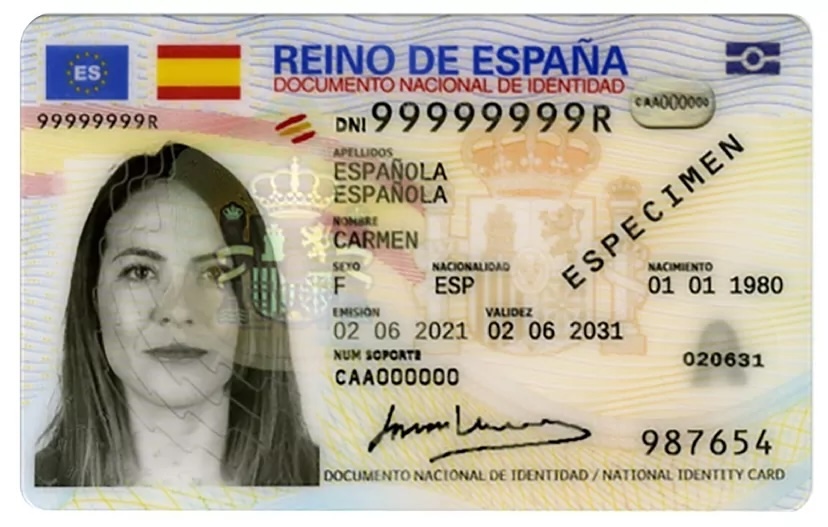
Exposes document number, address, MRZ, support number, signature and other reusable details.
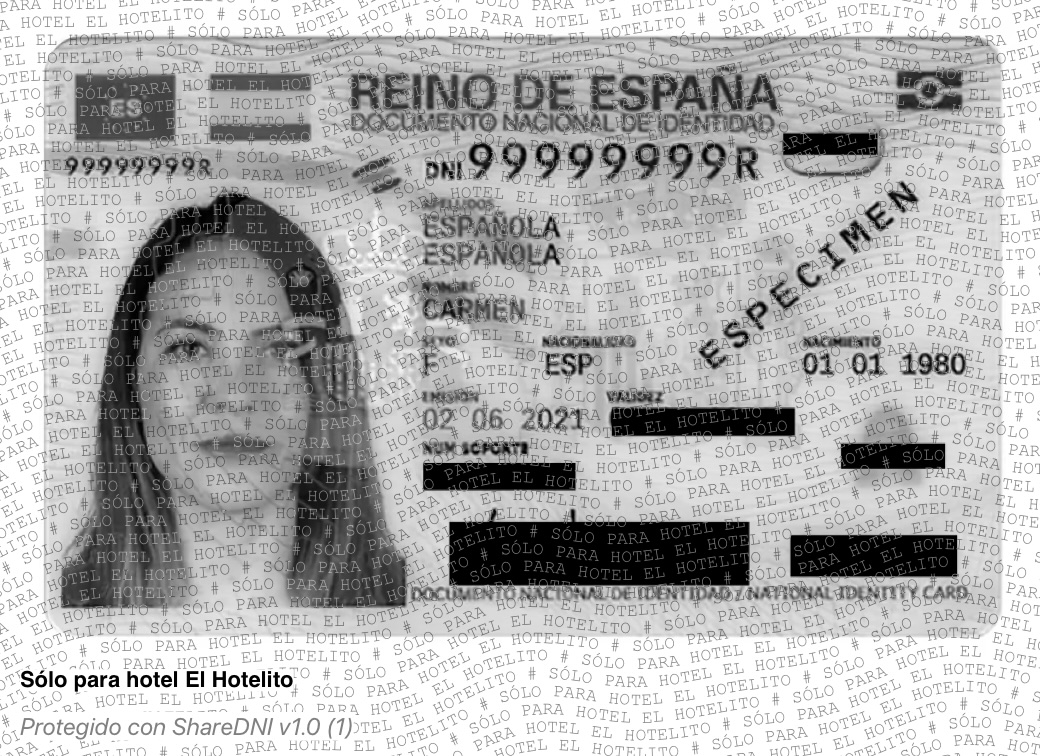
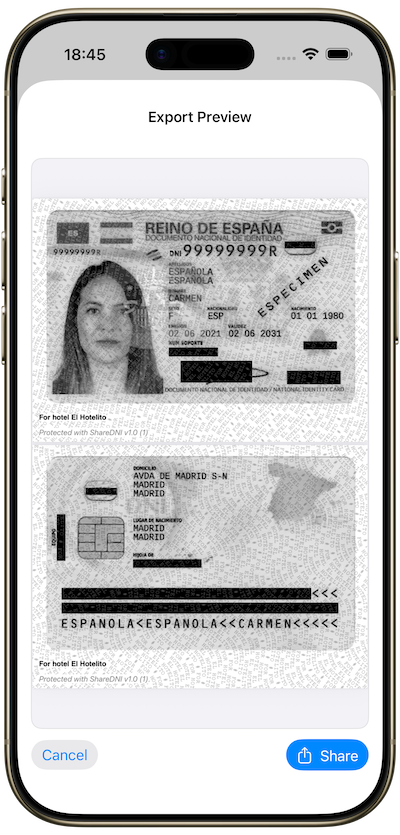
Only the required fields stay visible. Everything else is masked and watermarked for the recipient.
Hide any area of the document, including ID number, address, MRZ, support number, signature, or photo details.
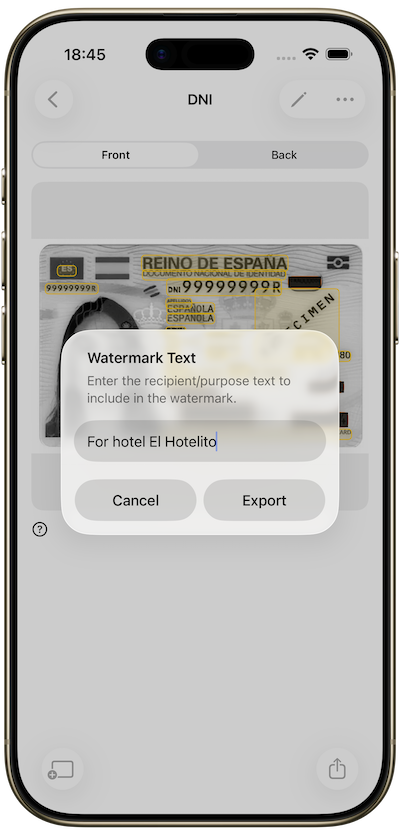
Add a visible purpose like “Only for hotel check-in” or “Only for ACME KYC” to reduce out-of-context reuse.
Generate a protected PDF or image and share it through email, messages, forms, or upload flows.
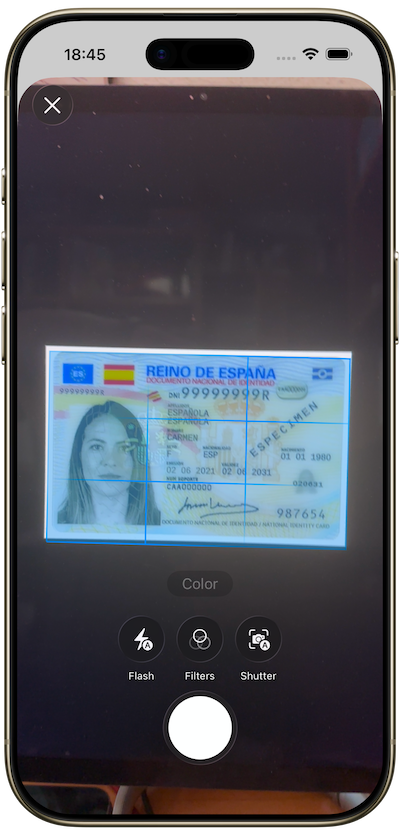
Scan it, take a photo, or import an existing image.
Hide only the fields that should stay private.
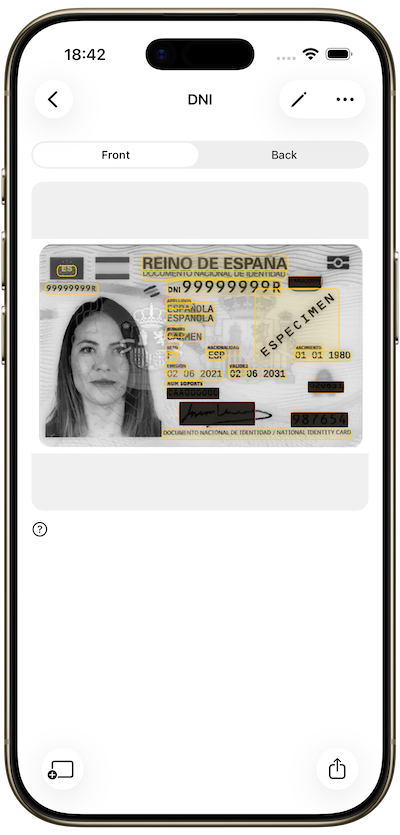
Add a purpose, recipient, or reference to your protected copy.
Export as PDF or image and share the safer version.
Send a copy for a flat application without oversharing.
Provide your ID with a purpose and only the needed information.
Share documents with clearer purpose and less exposure.
Use a tailored copy for enrollments or service applications.
Add an extra privacy layer when a provider requires ID.
Your documents stay on your device.
Use Face ID, Touch ID, or device biometrics.
Nothing leaves your phone unless you choose to export and share.
Built for one thing: safer ID sharing.
Mask sensitive fields, add a purpose watermark, and export a protected document before sharing it.